Themes / Deep Tide View full size ↗ Close ✕ Real TradingView screenshot · QQQ · 1D · Historical chart Download chart image ↓ MAKE IT YOURS
Apply the colors Keep your drawings and indicators. Open Chart Settings in TradingView and copy the values alongside.
Choose Candles as the chart type. Set body, border and wick colors under Symbol . Set the background, grid and scale colors under Canvas . Save with Template → Save as… Copy color checklist Read the full setup guide ↗ A recipe to apply manually. TradingView does not import this checklist as a theme file.
THE EXACT PALETTE
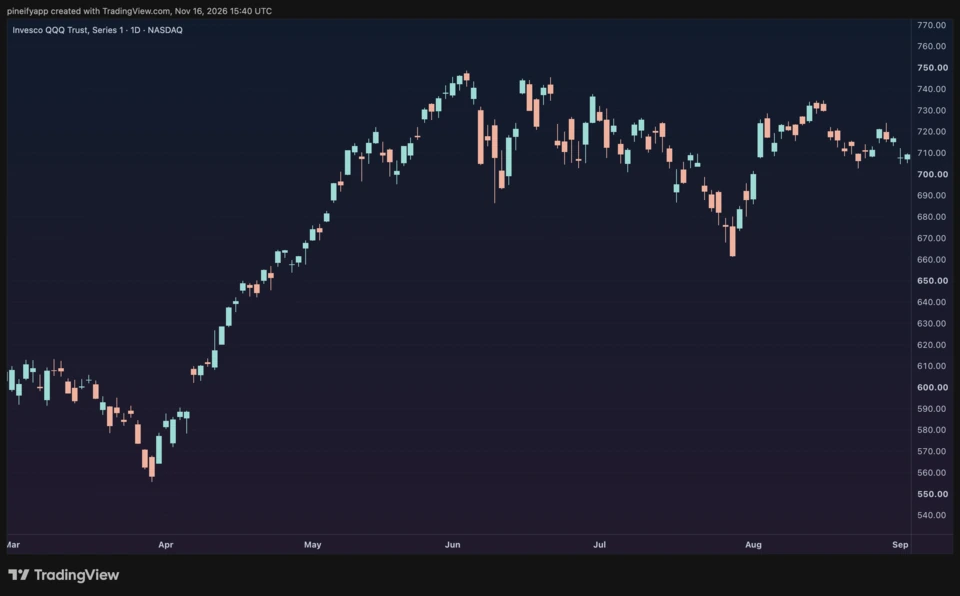
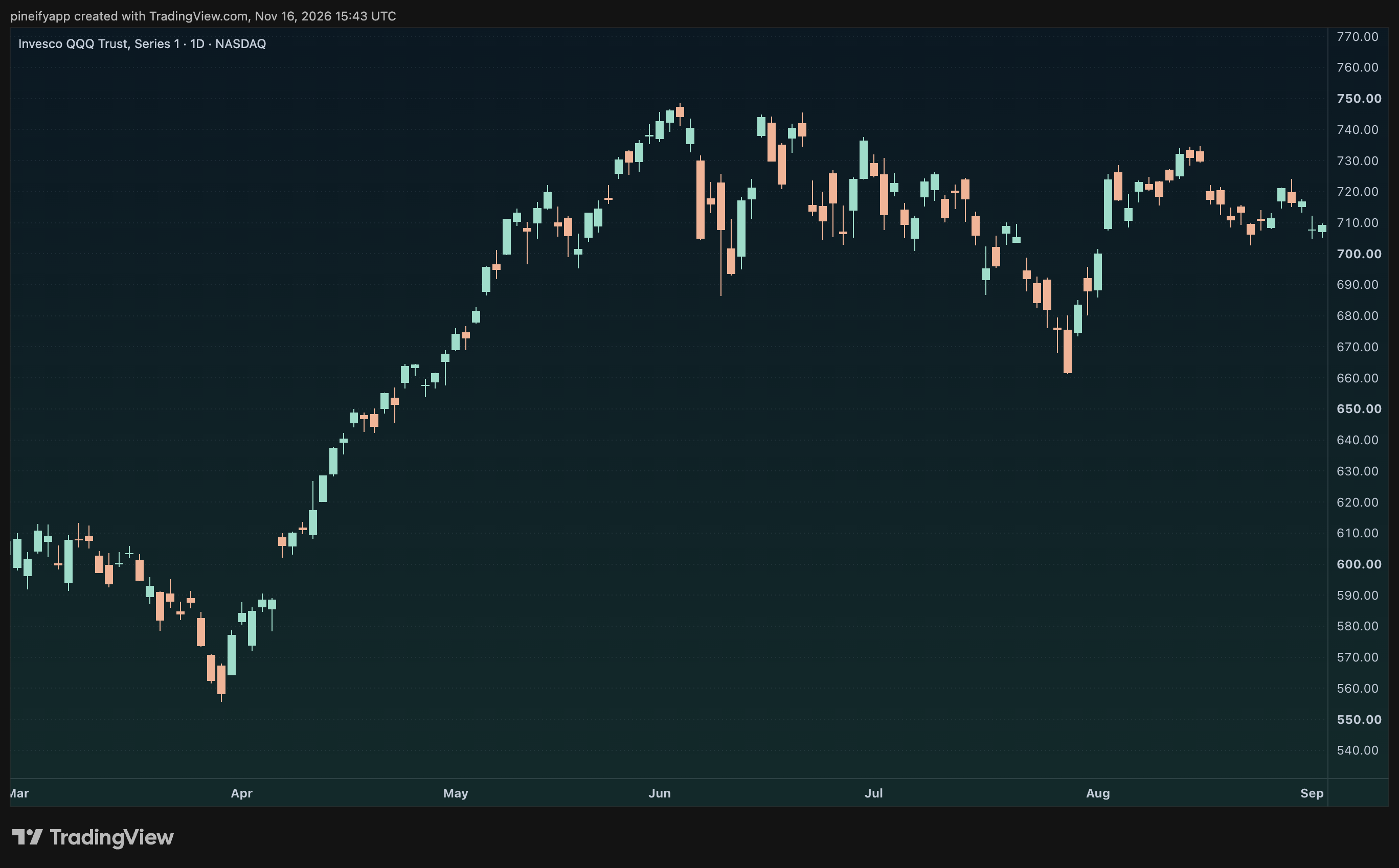
Every detail, included. HEX + opacity Symbol · Candles Bullish body #9FDCCA at 100% opacity
Copy Bearish body #F0B497 at 100% opacity
Copy Bullish borders #9FDCCA at 100% opacity
Copy Bearish borders #F0B497 at 100% opacity
Copy Bullish wick #9FDCCA at 100% opacity
Copy Bearish wick #F0B497 at 100% opacity
Copy Canvas · Chart basic styles — Background style Gradient
Copy Background end #13292A
Copy — Horizontal grid lines Horizontal grid lines
Copy Grid lines #8A99AD at 12% opacity
Copy Pane separator #C4CDD9 at 15% opacity
Copy Crosshair #A8B5C8 at 75% opacity
Copy — Crosshair style 1px dashed
Copy Canvas · Scales and lines Scale lines #C4CDD9 at 15% opacity
Copy — Top / bottom margins 10% / 10%
Copy — Symbol value / price line / countdown Off
Copy Optional indicators Optional accents; the chart preview uses candles only.
EMA 21 #D9BF86 at 100% opacity
Copy Volume up #9FDCCA at 50% opacity
Copy Volume down #F0B497 at 50% opacity
Copy Curated by TradingView 101 Chart colors are separate from TradingView’s app interface. The same recipe works across symbols and timeframes. Screenshots preserve TradingView attribution.